Sams Teach Yourself Adobe Acrobat 5 in 24 Hours
419 kr
Beställningsvara. Skickas inom 3-6 vardagar. Fri frakt för medlemmar vid köp för minst 249 kr.
Produktinformation
- Utgivningsdatum2001-12-19
- Mått184 x 228 x 23 mm
- Vikt729 g
- FormatHäftad
- SpråkEngelska
- SerieSams Teach Yourself
- Antal sidor460
- FörlagPearson Education (US)
- ISBN9780672323140
Tillhör följande kategorier
Christopher Smith is president of American Graphics Institute, the largest Adobe Certified Training Provider in North America. He is an Adobe Certified Expert and Adobe Certified Instructor for Adobe Acrobat versions 3, 4, and 5. He teaches classes on Acrobat and other publishing software at American Graphics Institute's Boston training center. He has been involved in teaching electronic publishing and electronic document distribution for more than 10 years. He works with many of the world's largest publishers helping them adopt new publishing software through the development and delivery of customized training programs. Sally Cox is a software trainer for American Graphics Institute, a Certified Technical Trainer, and an Adobe Certified Expert in a variety of Adobe programs, including Acrobat. She spent 20 years in the printing/electronic prepress industry before joining AGI's team of professionals. Based out of American Graphics Institute's Philadelphia office, she teaches both Web-based and print-based classes. Her extensive background in traditional print, combined with expertise in current technology, give her a unique perspective on the industry that she is delighted to bring to the classroom.
- (NOTE: Each chapter concludes with a Summary and Workshop.) Introduction. I. GETTING STARTED WITH ACROBAT PDF. Hour 1. What's So Great About PDF? How Can PDF Change Your Office Environment? How Do PDF Documents Differ from Other Documents? Adobe Acrobat or Reader—What's the Difference? System Requirements. What's in the Box and What's Available. The Acrobat Interface. Navigating in Acrobat. Hour 2. Navigating in PDF Files. Page Modes. Page Layout. Navigation Tools and Techniques. II. CREATING PDF FILES. Hour 3. Where Do PDF Files Come From? Not All PDF Files Are the Same Quality. PDF Files as eBooks. Tools for Creating PDF Files. Hour 4. Creating PDF Files from Your Electronic Documents. A Short History of WYSIWYG. The Best Choice for Making PDF Files: Acrobat Distiller. The Acrobat Distiller Main Window. Making a PDF File Using Distiller. Customizing Distiller Settings. Creating Personalized Settings for Distiller. Security. Automating Distiller: Creating Watched Folders. Creating PDF Files Without Launching Distiller. Hour 5. Easy PDF Creation for MS Office Users with PDF Maker. PDF Maker—Creating PDF Files Easily. Customizing Settings for PDF Maker. Using the Convert to Adobe PDF and Email Option. Hour 6. Converting Paper Documents to PDF. About Acrobat Capture. Scanning Documents into Acrobat. Converting Previously Scanned Files to PDF. Making Scanned Files Searchable: OCR in Acrobat. Cleaning Up OCR Mistakes. Paper Capture Online. Hour 7. Converting HTML to PDF with Web Capture. HTML Versus PDF—What's the Difference? Why Use Web Capture? Converting HTML to PDF: Capturing a Page or Site. Conversion Settings. Setting Web Capture Preferences. Locating Web Links Within a Document. Adding PDF Pages from Web Links. III. USING AND ADDING NAVIGATIONAL TOOLS TO PDF FILES. Hour 8. Managing Pages with Thumbnails. What Are Thumbnails? Embedding Thumbnails in a PDF File. Using Thumbnails for Navigation. Rearranging Page Sequence. Deleting Pages. Merging Pages Between Documents. Using Menu Commands and Context Menus. Hour 9. Creating an Interactive TOC with Bookmarks. Navigating and Using Bookmarks. Creating and Customizing Bookmarks. Modifying Bookmarks. Applying Actions to Bookmarks. Renaming Bookmarks. Arranging Bookmarks. Setting a Document to Show Bookmarks When Opened. Bookmark Properties. Deleting Bookmarks. Hour 10. Using Links to Add Interactivity to PDF Files. Using Links. Creating Links Within PDF Files. Link Properties and Actions. Editing an Existing Link. Automatically Creating Links to Web Sites. Setting Page Actions. Creating and Modifying Destinations. Using Articles. Changing Existing Articles. IV. REVIEWING AND EDITING PDF FILES. Hour 11. Extracting Text and Graphics. Extracting Portions of Text. Extracting Tables and Formatted Text (Windows Only). Extracting Entire PDF Files for Editing. Extracting Images. Hour 12. Editing a PDF File. Editing Text with the TouchUp Text Tool. Limitations to Text-Editing Capabilities. Changing Text Attributes. Additional Text-Editing Capabilities. Editing Graphics with the TouchUp Object Tool. Using Third-Party Editing Tools. Editing Entire PDF Files. Hour 13. Adding Comments and Annotations. A Few Facts About the Use of Comments. Comments Tools. Graphic Markup Tools. Text Markup Tools. Other Things You Can Do with Comments in Acrobat. Sharing Comments Online. V. DOCUMENT SECURITY AND DIGITAL SIGNATURES. Hour 14. Creating and Applying Digital Signatures. Using Digital Signatures. Creating a Profile. Sharing Your Public Profile. Importing Signature Certificates. Verifying Digital Signatures. Using the Signature Palette. Applying a Signature. Invisibly Signing Documents. Changing the Appearance and Properties of Your Signature. Hour 15. Protecting Your PDF Files. About Document Security with Acrobat. Applying Password Security for Opening a Document. Using Security to Restrict Access to Features. Applying User-Level Security with Digital Signatures. Changing Security Options. Digital Rights Management and eBook Security. VI. FORMS AND BUTTONS Hour 16 CREATING AND USING INTERACTIVE FORMS. The Power of Creating Forms in Acrobat. PDF Forms Versus HTML Forms. Creating Form Fields. Working with Form Fields. Validating and Calculating with a Form Field. Form Data Use Over the World Wide Web. VII. USING PDF FILES FOR MULTIMEDIA PRESENTATIONS. Hour 17. Enhancing a PDF with Multimedia. Using Movies and Sound Within PDF Files. Correct File Formats for Movie and Sound Files. General Information about Inserting Movies into PDF Documents. Inserting Sounds into PDF Documents. Adding Buttons Such as Stop, Play, and Pause. Important Considerations When Using Movies and Sounds. Using a Page Action to Play a Sound. Hour 18. Using Acrobat for Presentations: The Full-Screen Mode. Creating Presentations. Design Considerations for Full-Screen Presentations. Setting Documents to Open in Full-Screen Mode. Changing Full-Screen Preferences. VIII. ADVANCED TOPICS. Hour 19. Automating Acrobat with Batch Processing. Overview of Batch Processing. Using Predefined Batch Sequences. Editing the Batch Sequences. Creating Your Own Batch Sequence. Sharing Batch Sequences among Other Computers. Useful Batch-Processing Examples. Hour 20. Setting Preferences and Properties. Document Properties. Accessing Other Document Properties. Document Summary. Working with Document Preferences. Setting Table/Formatted Text Preferences. Web Capture Preferences. Internet Settings. Hour 21. Searching Multiple PDF Files. Why Index Your PDF Documents? Building a Searchable Index. Finding Versus Searching. Refining a Search. Purging and Rebuilding Indexes. Hour 22. Designing PDF Documents. Paper Versus Digital. Screen Sizes and Resolution. Typeface Considerations. Graphic Resolution. Color Space. Hour 23. Making PDF Files Accessible for All. Accessibility Features. Verifying Line Endings in a Reflowed PDF Document. Changing the Reflow Order in Tagged PDF Documents. Converting Existing PDF Documents to Accessible PDF Documents. Checking for Accessibility. Checking Accessibility. Editing the Logical Structure Tree Using the Tags Palette. Hour 24. Printing with Acrobat. Printing Annotations. Printing Page Ranges and Nonconsecutive Pages. Printing a Portion of a Page. Adjusting Print Sizes. Printing Oversize Documents. Prepress Options in Print Settings. Trapping Key. Printing and Prepress Plug-ins. Troubleshooting Printing Problems.
Mer från samma författare
Sovereignty
Christopher Smith, Christopher Smith, Christopher (University of St. Andrews (United Kingdom)) Smith
1 969 kr
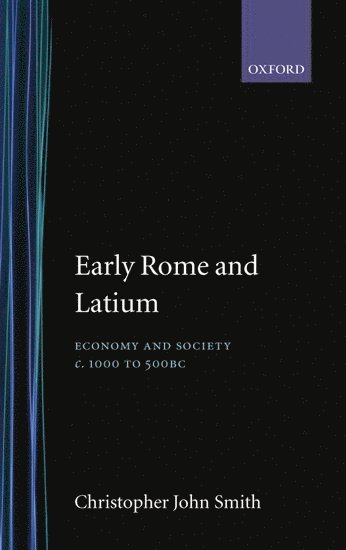
Early Rome and Latium
Christopher John Smith, University of St Andrews) Smith, Christopher John (Lecturer in Ancient History, Lecturer in Ancient History, Christopher Smith
3 789 kr
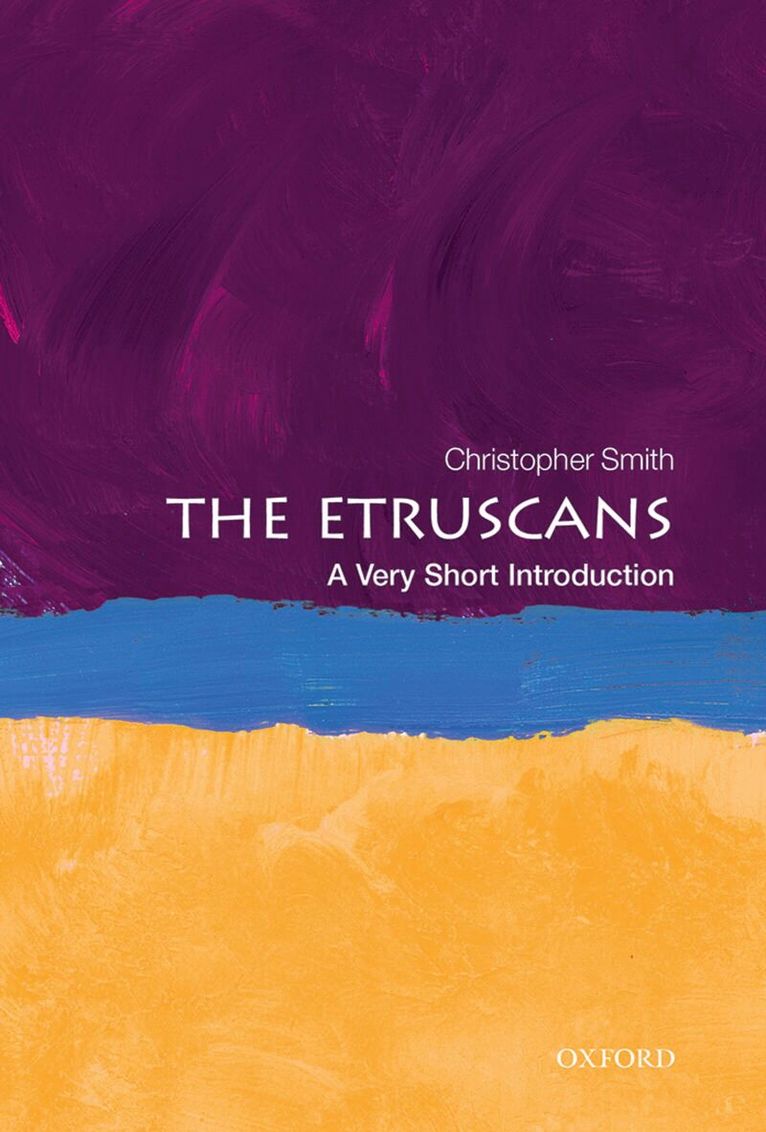
The Etruscans
Christopher Smith, University of St. Andrews) Smith, Christopher (Director of the British School at Rome and Professor of Ancient History, Christopher (Director of the B... Smith
129 kr
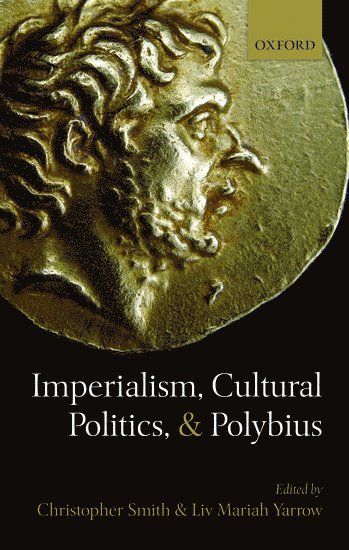
Imperialism, Cultural Politics, and Polybius
Christopher Smith, LIV Mariah Yarrow, Liv Mariah Yarrow, Peter Derow, Christopher Smith, Liv Mariah Yarrow, University of St Andrews.) Smith, Christopher (Director, The British School at Rome and Professor of Ancient History, CUNY.) Yarrow, Liv Mariah (Associate Professor and Chair, Department of Classics, Brooklyn College
2 789 kr
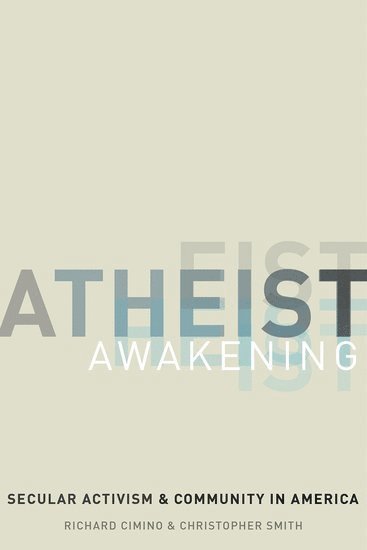
Atheist Awakening
Richard Cimino, Christopher Smith, Long Beach) Cimino, Richard (Adjunct Professor of Sociology, Adjunct Professor of Sociology, Hofstra University, Whispering Glen Tecumseh) Smith, Christopher (Independent Scholar, Independent Scholar
539 kr
United States Magistrates in the Federal Courts
Christopher Smith, Christopher E. Smith
1 189 kr
Critical Judicial Nominations and Political Change
Christopher Smith, Christopher E. Smith
949 kr
Mer från samma serie
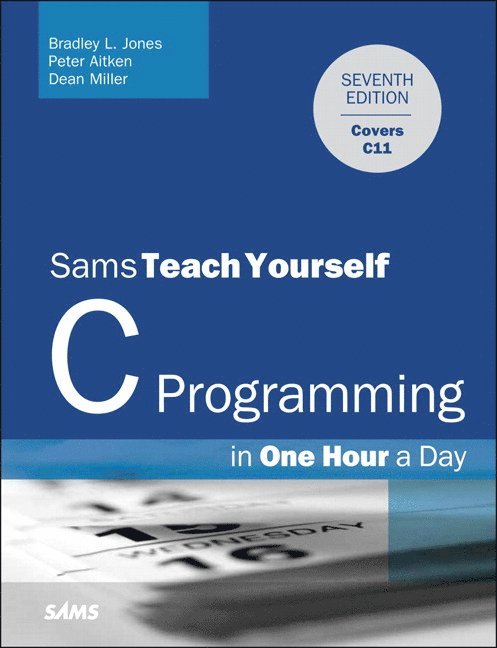
C Programming in One Hour a Day, Sams Teach Yourself
Bradley Jones, Peter Aitken, Dean Miller
379 kr
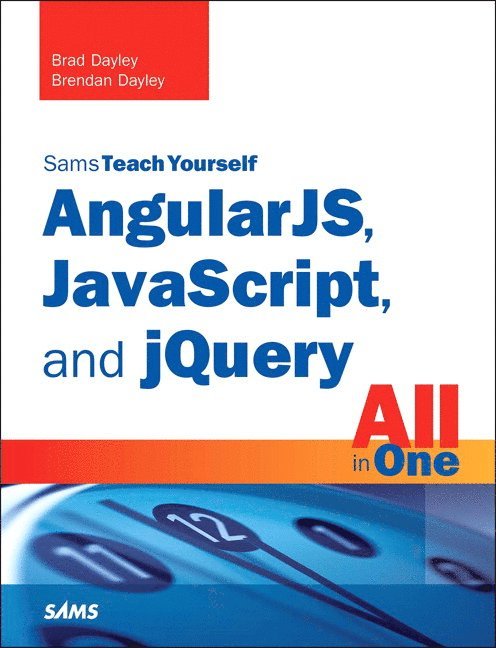
AngularJS, JavaScript, and jQuery All in One, Sams Teach Yourself
Brad Dayley, Brendan Dayley
389 kr
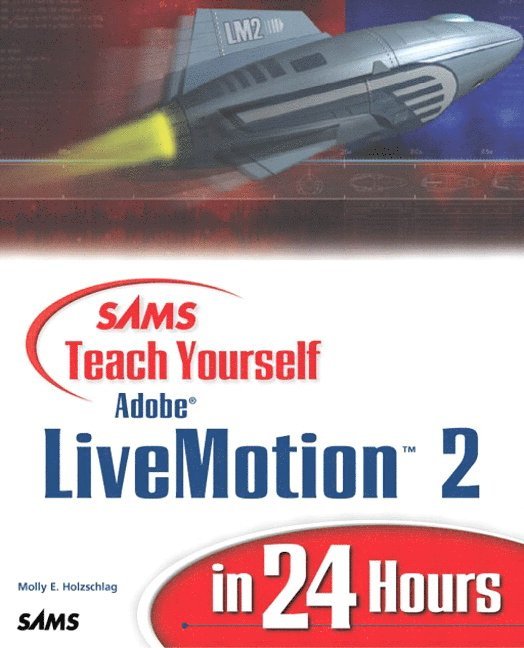
Sams Teach Yourself Adobe LiveMotion 2 in 24 Hours
Molly Holzschlag, Molly E. Holzschlag, Molly E Holzschlag
409 kr
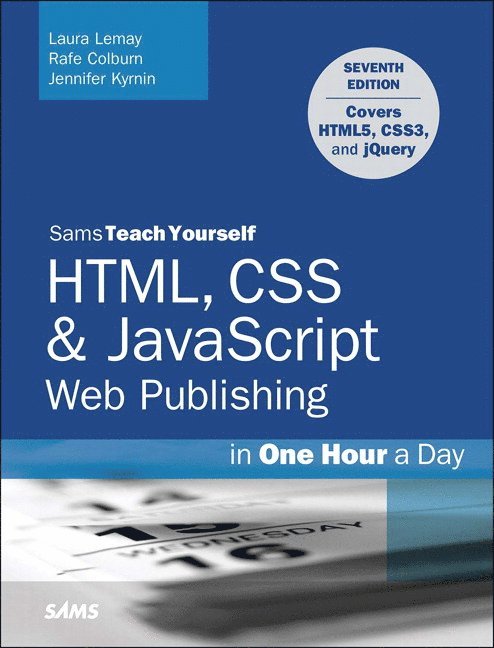
HTML, CSS & JavaScript Web Publishing in One Hour a Day, Sams Teach Yourself
Laura Lemay, Rafe Colburn, Jennifer Kyrnin
389 kr
Du kanske också är intresserad av
AngularJS, JavaScript, and jQuery All in One, Sams Teach Yourself
Brad Dayley, Brendan Dayley
389 kr
HTML, CSS & JavaScript Web Publishing in One Hour a Day, Sams Teach Yourself
Laura Lemay, Rafe Colburn, Jennifer Kyrnin
389 kr